Story & consistency
How to keep characters consistent in AI video
A single AI-generated shot is easy. A series of shots that all clearly feature the same person, mascot or product is harder: most video models have no memory of what they generated last, so a face, hairstyle or logo can drift from one clip to the next.
Why consistency breaks by default
Each generation call to an underlying video model is independent. Without a mechanism to carry identity forward, two clips generated from similar prompts about "the same woman in a blue coat" can render two visibly different women. This is the single biggest reason a batch of AI shots reads as disconnected rather than as one scene.
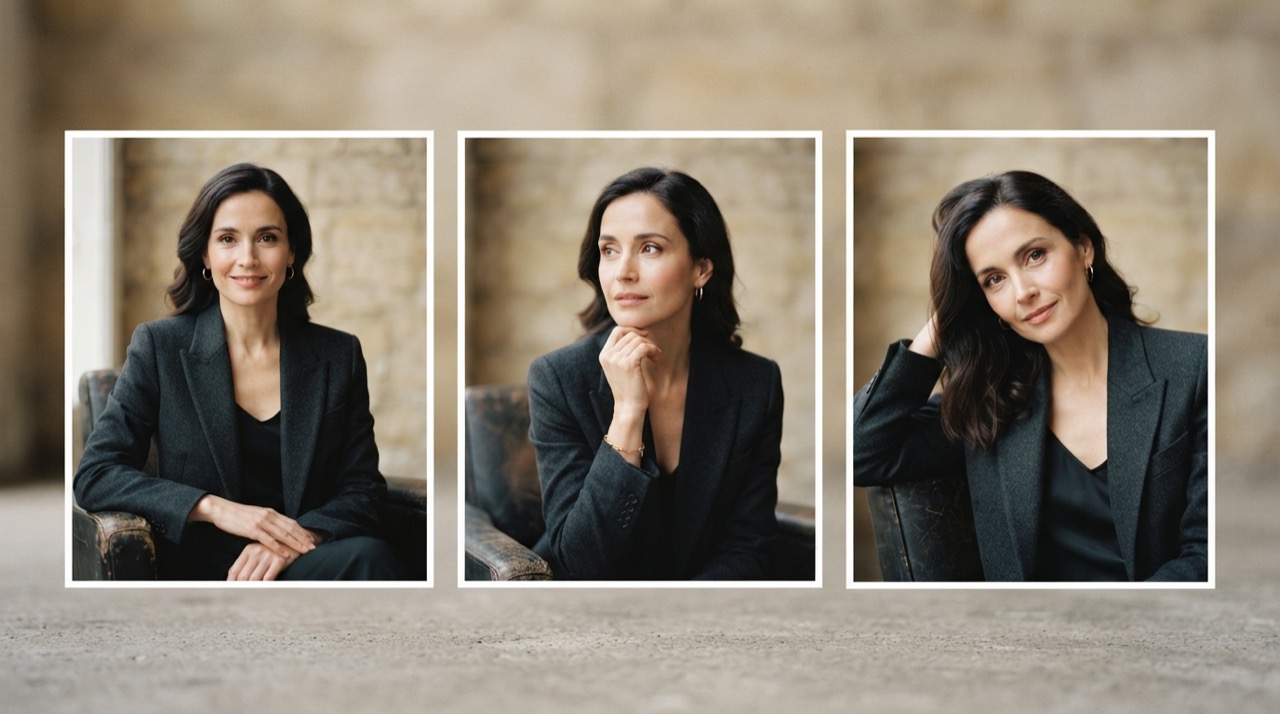
How Cast & World solves it
StoryStudio's Cast & World feature locks a character, costume, decor or product once, from a reference image or an initial generation. Every following generation in the same project automatically reuses that lock, so the same face, wardrobe or logo carries through the whole set of shots, whoever is prompting.
Where this matters most
A product ad needs the same bottle in every cut. A short series needs the same lead across five episodes. A brand mascot needs to look identical whether it appears in an image, a video, or both. Cast & World applies to all of these the same way, since the lock is a project-level reference, not a per-generation setting.
FAQ
Why does an AI-generated character look different between shots? Because most video models generate each clip independently, with no built-in memory of a previous generation's face or wardrobe.
How does StoryStudio keep a character consistent? Through Cast & World: lock a character, costume, decor or product once, and every following generation in the same project reuses that lock automatically.
Does this work for products and logos, not just people? Yes. Cast & World locks characters, costumes, decor and products the same way.
Want consistent characters across your shots? Start with StoryStudio.