MCP guides
Generate Veo 3.1, Nano Banana 2 and Seedance video from Claude
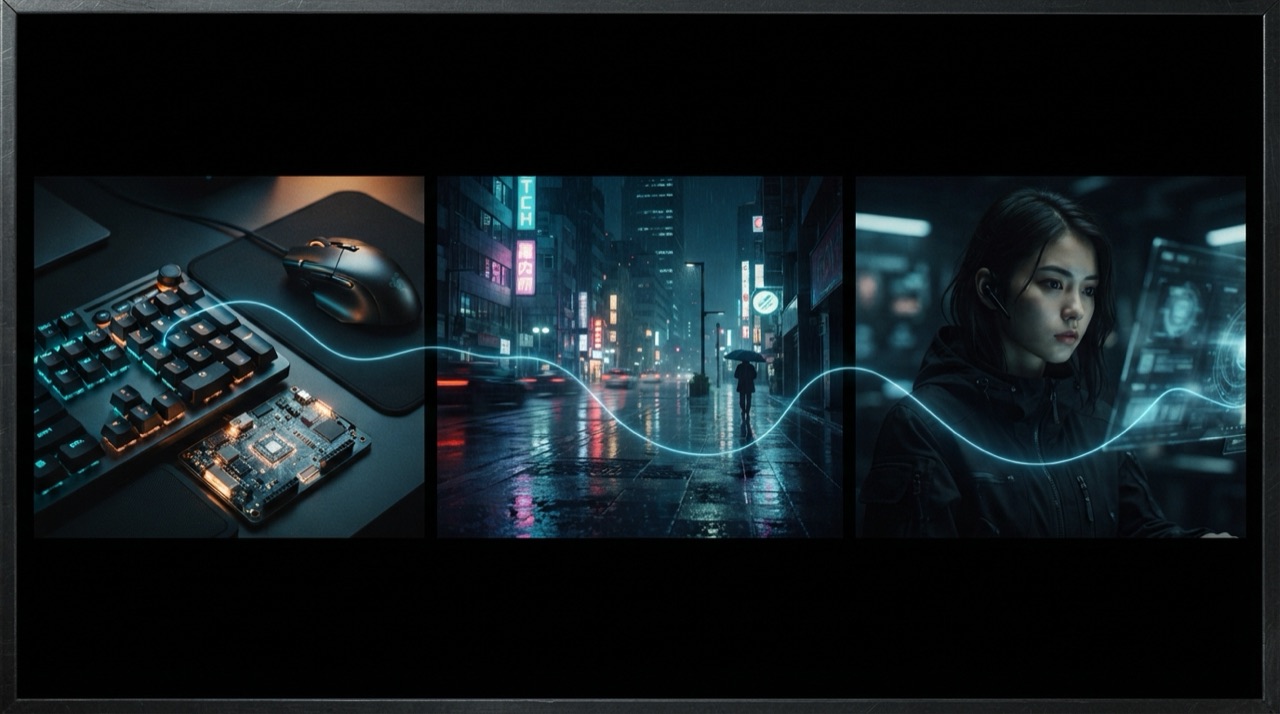
A single project rarely needs just one model. A launch campaign might want a Nano Banana 2 product image, a Veo 3.1 cinematic hero shot, and a Seedance 2.5 1080p close-up for a different placement. Reaching all three by default means three accounts, three tabs, and three separate exports to bring back to wherever the project actually lives.
Why juggling models gets tedious fast
Each of these models is genuinely good at something specific: Veo 3.1 Fast for cinematic 8-second shots with native audio, Seedance 2.5 for renders natively up to 1080p, Nano Banana 2 for clean product and portrait images. The problem is not the models, it is the overhead of switching between them, a new login here, a different upload flow there, a growing folder of downloaded files that need to be matched back to the right part of a project.
One connection, all three models
StoryStudio connects to Claude as a single MCP server and routes a request to whichever model fits it. Ask for a product photo and it reaches Nano Banana 2. Ask for an 8-second cinematic clip with sound and it reaches Veo 3.1 Fast. Ask for a longer or higher-resolution shot and it reaches Seedance 2.5. The model choice happens automatically, based on what the prompt actually asks for.
What a request looks like for each model
For Nano Banana 2: "generate a clean product photo of this bottle on a marble surface, 1:1." For Veo 3.1 Fast: "an 8-second cinematic push-in on a city street at dusk, with ambient sound." For Seedance 2.5: "a high-resolution 1080p close-up of the product label, 10 seconds, slow rotation." Each prompt stays in the same Claude conversation, and each result comes back there too.
Keeping a project coherent across three models
Mixing models for one project raises an obvious question: does the product still look like the same product across a Nano Banana 2 image and a Seedance 2.5 video? StoryStudio's Cast & World feature locks a product, character or decor from a reference once, and every following generation, regardless of which underlying model handles it, reuses that same reference. A launch that mixes a product shot, a hero clip and a close-up still reads as one campaign.
Connecting it once
In Claude, go to Customize, then Connectors, then add a custom connector using `storystudio.cc/mcp`. Authorize once. From then on, every conversation in Claude can reach all three models, along with GPT-Image 2, FLUX 1.1 Pro, voice and music generation, through the same connection.
FAQ
Do I need a separate account for Veo, Nano Banana and Seedance? No. StoryStudio holds one connection to all of them, and Claude reaches whichever model fits the request automatically.
How does Claude know which model to use? Based on what the prompt describes. A product image request routes to Nano Banana 2, a cinematic clip with sound routes to Veo 3.1 Fast, a longer or 1080p shot routes to Seedance 2.5.
Can I request a specific model instead of letting it choose automatically? Yes. Naming the model or describing exactly what you need (resolution, duration, whether sound matters) is enough to steer the routing.
Ready to reach all three from Claude? Connect StoryStudio.
Pricing: Free (5 credits, P-Image only) · Creator €14.99/mo (1,200 credits) · Pro €39.99/mo (3,500 credits) · Recharge €59.99 one-off (5,000 credits, no subscription). See full pricing →