MCP guides
What is MCP video generation?
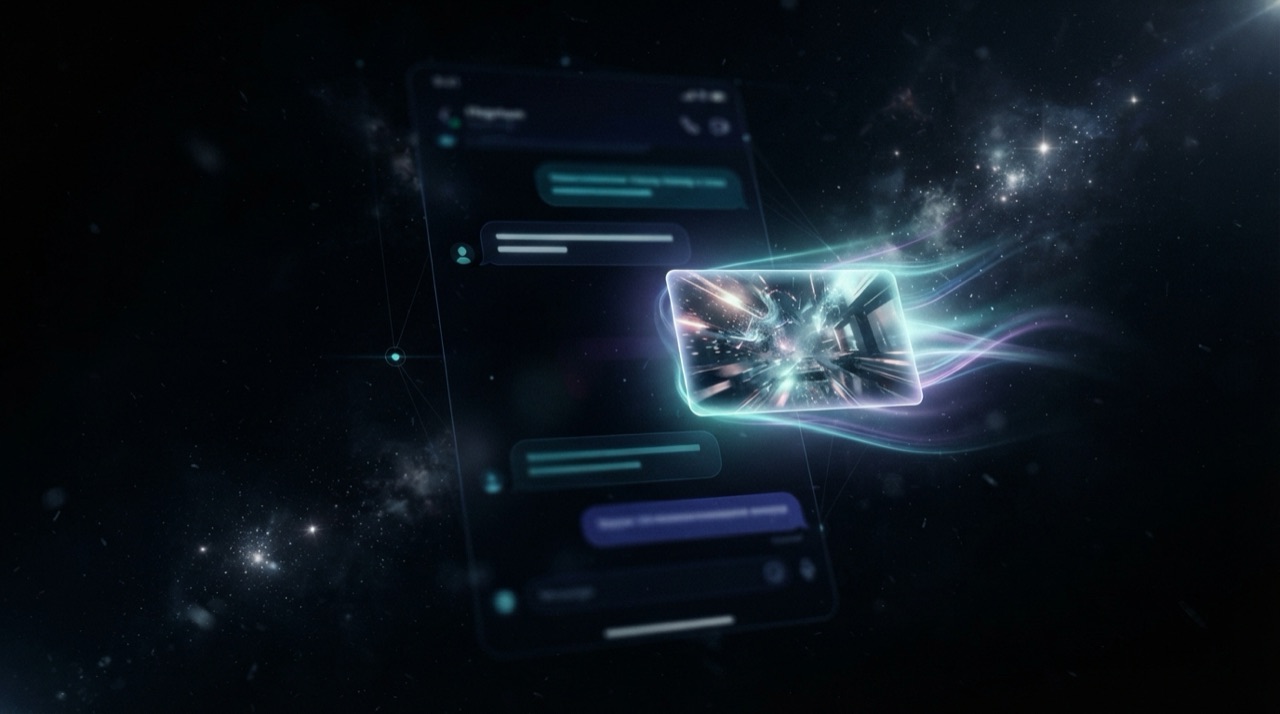
MCP video generation is video created by an AI model, triggered directly from a conversation with an agent like Claude or Cursor, using the Model Context Protocol instead of a separate app. You describe a shot in plain language, the agent calls a video model through MCP, and the result comes back in the same chat.
What MCP actually does here
The Model Context Protocol is a standard way for an AI agent to call external tools. Before MCP, an agent could talk and reason, but reaching a video model meant you, the person, opening a browser tab, signing into another product, describing the shot again, and bringing the file back. MCP removes that handoff. The agent calls the tool itself, mid-conversation, and treats the returned video like any other piece of information in the thread.
Why this is different from a normal video generator
A standalone video generator is a destination: a site you visit when you specifically want to make video. MCP video generation is a capability that shows up wherever you already work. If you are planning a product launch with Claude and mention you need a demo clip, the agent can generate it right there, without you deciding to "go make a video" as a separate task. The distinction is not about the underlying model, it is about where the request originates and where the result lands.
How a request moves through the system
You write a prompt describing the shot: subject, motion, mood, maybe a duration or resolution. The agent's MCP client sends that prompt to the connected video server. The server picks or confirms a model suited to the request (a cinematic 8-second clip favors one model, a longer 4K product shot favors another), runs the generation, and returns a video file or link. The agent drops that result back into the conversation, and you can ask for changes the same way you would ask a person to revise a draft.
What you need to use it
An MCP-compatible agent (Claude Desktop, Claude Code, Cursor and others qualify) and a connected MCP video server. The connection is usually a one-time setup: add the server's endpoint to the agent, authorize it, and every following session in that agent can generate video without reconnecting. StoryStudio is one such server, reachable from Claude, Cursor, Codex or any MCP client, routing requests to models like Veo 3.1 Fast or Seedance 2.0 depending on what the shot calls for.
Where it fits and where it does not
MCP video generation is built for generating and iterating on shots inside a workflow that already involves an agent: a marketer drafting campaign copy who also needs a hero clip, a developer building a demo who wants a walkthrough video, a founder assembling a pitch deck. It is not a replacement for frame-accurate professional editing software. Think of it as the fastest path from a described idea to a usable clip, with real editing and refinement happening either through further prompts or in a dedicated tool afterward.
FAQ
Is MCP video generation the same as a video generation app? No. A video app is a separate destination you visit. MCP video generation runs from inside an agent conversation you are already having, through a tool connection rather than a new tab.
Do I need to learn a new interface? No. You describe the shot in plain language inside the agent you already use. The agent and the connected MCP server handle model selection and generation.
Which agents support MCP video generation? Any agent that implements the Model Context Protocol, including Claude Desktop, Claude Code, Cursor and Codex, once connected to an MCP video server.
Ready to try MCP video generation yourself? Connect StoryStudio.
Pricing: Free (5 credits, P-Image only) · Creator €14.99/mo (1,200 credits) · Pro €39.99/mo (3,500 credits) · Recharge €59.99 one-off (5,000 credits, no subscription). See full pricing →