Model deep-dive
Nano Banana 2 vs GPT-Image-2: which to use
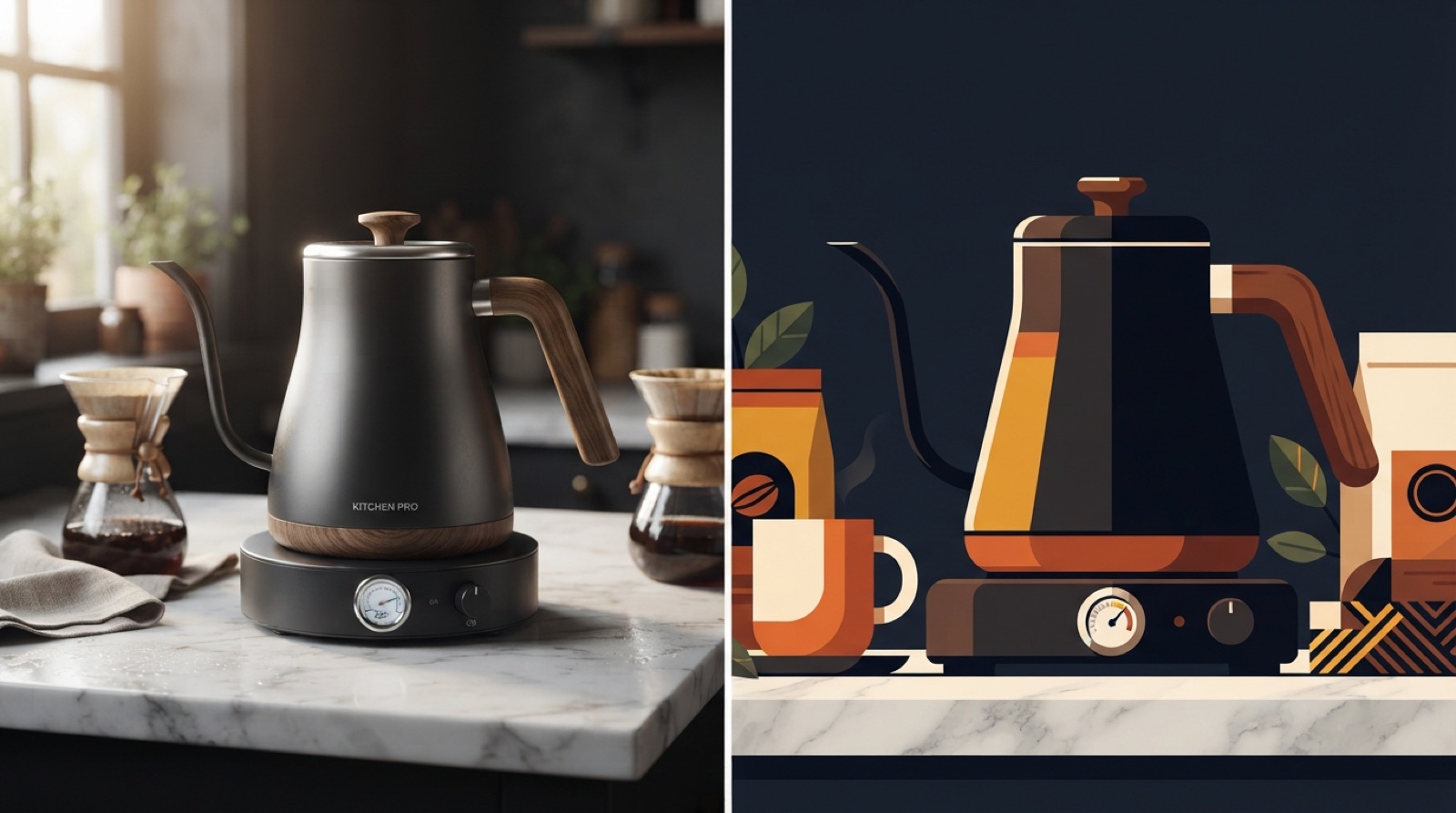
Both image models are available in StoryStudio over the same MCP connection, so the real question is not which one to sign up for, it is which one fits what you are asking for right now: a new image, or a change to one that already exists.
Nano Banana 2: the default for a fresh image
Nano Banana 2 is Google's image model, and it is what StoryStudio reaches for by default when you describe a new image from scratch. It renders in 16:9, 1:1 or 9:16, and it accepts reference images when you want it to stay on-brief for a product, a person or a brand look.
GPT-Image-2: editing what already exists
GPT-Image-2 is OpenAI's model, and StoryStudio switches to it automatically when the request is about modifying an image you already generated or uploaded, rather than starting fresh. It exposes a quality setting (low, medium or high) and an output format choice (PNG, JPEG or WebP), so an edit can be tuned for a quick draft or a final export without a second pass.
Picking one from your agent
You do not have to name a model. Ask for a new visual and StoryStudio routes it to Nano Banana 2; ask to change, extend or fix something already on screen and it routes to GPT-Image-2 instead, reusing that image as its reference automatically.
FAQ
Do I have to choose between Nano Banana 2 and GPT-Image-2 myself? No. Describe what you want, and StoryStudio picks the model based on whether you are generating something new or editing an existing image.
Can GPT-Image-2 output different file formats? Yes. It supports PNG, JPEG and WebP, plus a quality setting from low to high.
Does Nano Banana 2 support reference images? Yes. Drop a reference image in the chat and StoryStudio passes it along to keep the result on-brief for a product, person or brand.
Ready to generate or edit an image from your agent? Connect StoryStudio.