Use cases
Faceless video with AI: build a channel without appearing on camera
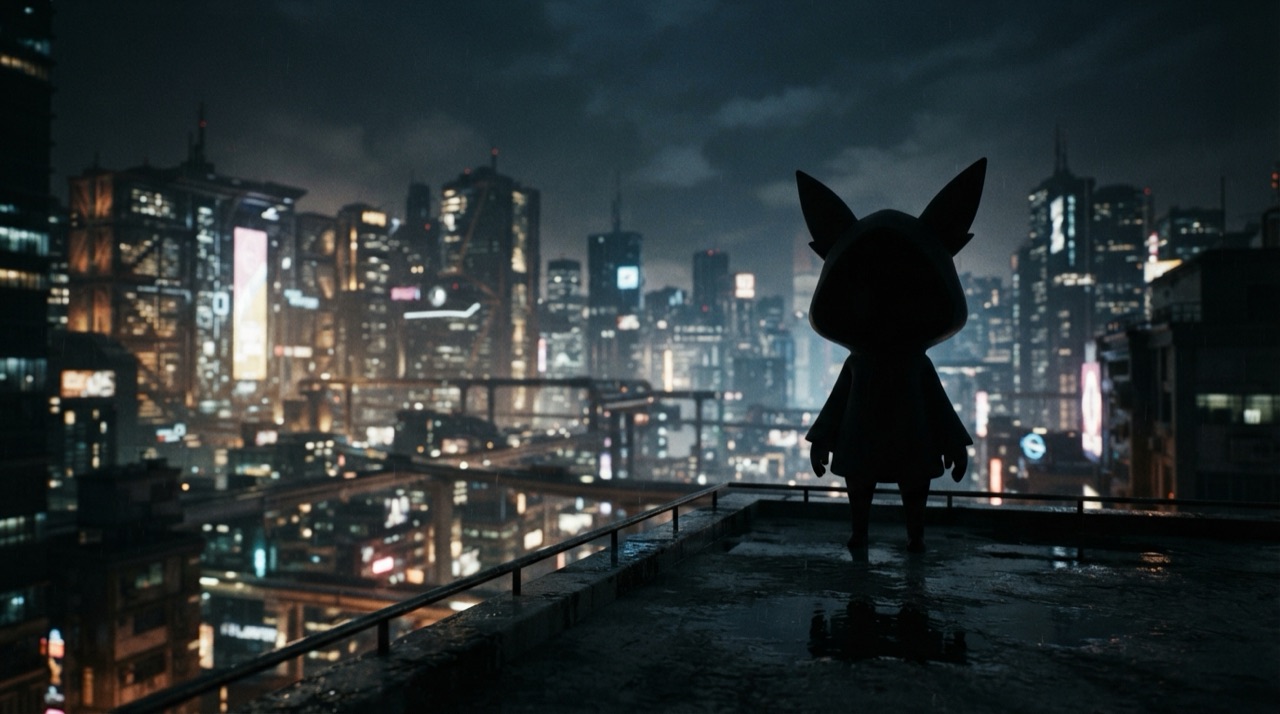
Most advice about starting a video channel assumes you want to be on camera. Plenty of people do not, whether out of privacy, camera shyness, or simply not wanting their face tied to a niche they might want to leave later. That leaves two bad options: hire a presenter you have to brief, direct and pay for every video, or give up on video entirely and lose the format that performs best on most platforms.
Why "just don't show your face" is easier said than done
Faceless channels exist already, voiceover-over-footage explainers, stock-clip compilations, text-on-screen narration, but most of them look and feel like a lesser version of a channel with a real presenter. Stock footage rarely matches the script closely, licensing gets complicated at volume, and viewers can usually tell when a channel is stitched together from generic clips rather than shot with intent.
Hiring a presenter solves the camera problem but replaces it with a different one: a shoot to schedule, direction to give, and a growing dependency on one person's availability and rate, which scales badly once a channel needs to publish on a regular schedule.
Generating footage that actually matches the script
An AI video model can generate the exact shot a script calls for, rather than the closest thing available in a stock library. Describe the scene: a product close-up, a city skyline at dusk, an abstract data visualization, and get a clip built for that specific line, not a repurposed one that almost fits. This is what separates a faceless channel that feels intentional from one that feels like a slideshow with narration on top.
Adding a voice without recording one
A channel still needs a voice, and recording narration takes its own equipment, time and retakes. Generated voice-over covers the same role: script in, spoken narration out, in a consistent tone across every episode, without a microphone, a quiet room, or a script read three times to get the delivery right. The same narration can also be generated in another language for a second version of the channel, without booking a second voice actor.
Keeping a visual identity across episodes
A faceless channel still benefits from consistency, a recurring visual motif, a mascot, a consistent color grade or setting, so viewers recognize an episode as part of the same series even without a recurring host. StoryStudio's Cast & World feature locks a visual element (a mascot, a location, a recurring prop) from a reference once, and reuses it automatically across every following generation in the project.
From script to published episode
Connect StoryStudio to an MCP-compatible agent like Claude or Cursor, then describe each scene, the voice-over line, and the mood, in plain language. StoryStudio generates the shot and the narration, and the browser-based timeline editor assembles the episode, adds music, and exports a finished MP4 ready to publish.
FAQ
Do I need any equipment to start a faceless channel this way? No camera, microphone or studio setup is required. Video, narration and music are generated from text descriptions.
How do I keep episodes feeling like one consistent series? StoryStudio's Cast & World feature locks a recurring visual element, a mascot, a location, a color mood, once, and reuses it automatically in every following generation.
Can the narration sound different from a generic text-to-speech voice? Voice generation supports a range of tones and deliveries, so narration can match the mood of the channel rather than sounding flat or robotic.
Ready to build a faceless channel? Start with StoryStudio.
Pricing: Free (5 credits, P-Image only) · Creator €14.99/mo (1,200 credits) · Pro €39.99/mo (3,500 credits) · Recharge €59.99 one-off (5,000 credits, no subscription). See full pricing →