Use cases
Make TikTok video with AI: keep up with a vertical posting schedule
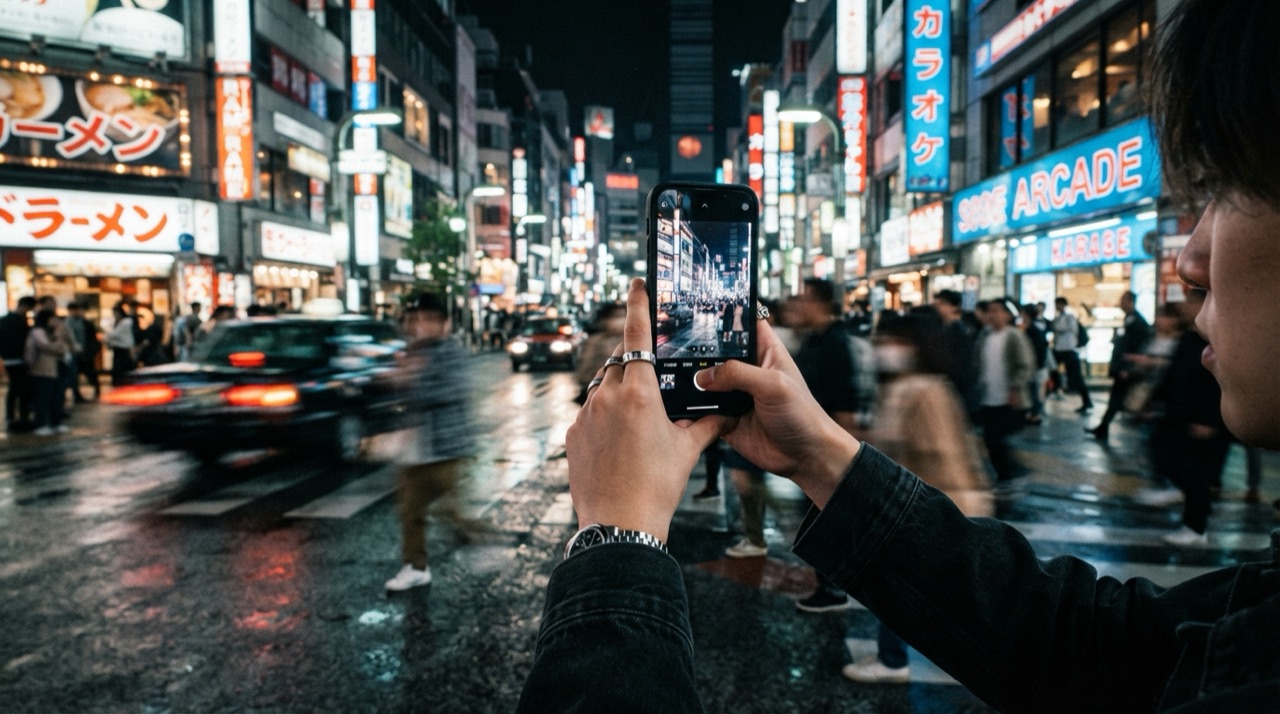
A posting schedule that works on TikTok or Reels needs volume: several vertical clips a week, each with its own hook, sometimes several variations of the same idea to see which one lands. Filming and editing each one by hand, framing for 9:16, cutting to a fast rhythm, adding captions, is the part of the job that quietly eats the most time, long before anyone gets to see whether the idea even worked.
Where the time actually goes
The idea for a clip usually takes minutes. Producing it does not. There is a shoot to set up, footage to review, a cut to trim to the right length, text overlays to place and time, and often a second or third version once the first cut does not quite land. A team posting daily ends up spending most of its week on production mechanics rather than on deciding what to post next.
Multiply that by every product, every market or every language a brand needs to cover, and the schedule that looked sustainable on paper stops being one. A clip that took an afternoon to shoot and edit in one language means another afternoon for the next one, and a growing backlog of ideas nobody has time to produce.
Generating vertical clips from a description
An AI video model can produce a 9:16 clip directly from a text prompt or a reference photo: a product shot, a talking-head hook, a scene-setting establishing clip. You describe the subject, the motion and the mood, and get back a clip already framed for a vertical feed, no separate crop or reformat step needed afterward.
Writing a prompt that reads as native, not as an ad
The clips that perform on TikTok rarely look like advertising. A handheld angle, a jump cut, a caption that lands mid-sentence, all read as native to the feed in a way a polished studio shot does not. Naming those details in the prompt, a slightly off-center frame, a quick zoom instead of a slow pan, natural light instead of a studio setup, pushes the result closer to what actually performs, rather than toward a generic commercial look.
Turning several clips into one finished post
A single generated clip is rarely the whole post. Most TikTok and Reels content cuts between two or three shots, layers in captions, and drops in a soundtrack. StoryStudio's browser-based timeline editor takes generated (or uploaded) clips, lets you order them, add text and music, and export a finished MP4, in the same workspace where the clips were generated, without moving files between apps.
Testing variations without redoing the whole shoot
A schedule built for testing needs several versions of the same idea, different hooks, different pacing, sometimes a different presenter. Because each clip is generated from a prompt rather than filmed, producing five variations means writing five prompts, not booking five shoots. StoryStudio's Cast & World feature also keeps a presenter's face consistent across those variations, so a batch of tests still reads as one coherent series.
FAQ
Does the video come out already sized for TikTok or Reels? Yes. You can generate directly in 9:16, so there is no separate cropping or reformatting step before posting.
Can I combine several generated clips into one post? Yes, using StoryStudio's browser-based timeline editor, which orders clips, adds captions and music, and exports a finished MP4.
Do I need to reshoot for every hook variation I want to test? No. Each variation is a new prompt rather than a new shoot, and Cast & World keeps the same presenter consistent across all of them.
Ready to keep up with a vertical posting schedule? Start with StoryStudio.
Pricing: Free (5 credits, P-Image only) · Creator €14.99/mo (1,200 credits) · Pro €39.99/mo (3,500 credits) · Recharge €59.99 one-off (5,000 credits, no subscription). See full pricing →